

Documentation Index
Fetch the complete documentation index at: https://architect-d889a35e-sync-pr-2912.mintlify.app/llms.txt
Use this file to discover all available pages before exploring further.
Choose granularity
Decide how personalized you want each page to be.
Personalization options
Company
Account-level page for one company.
Job title
Role-level page across many accounts.
Full name
1:1 page for a specific person.
Prepare your CSV
Your columns depend on the granularity you picked.
leads.csv
| Company Name | Company URL |
|---|---|
| Acme Corp | www.acmecorp.com |
| Northwind | www.northwind.com |
Create a Page Group and set the CTA
Create a new Page Group for the campaign, then set the CTA destination (URL or form).
Tip
Use one Page Group per campaign so you can keep the CTA consistent across all pages.
Bulk create pages
Use the Bulk Create Pages filter to generate pages from your CSV rows.
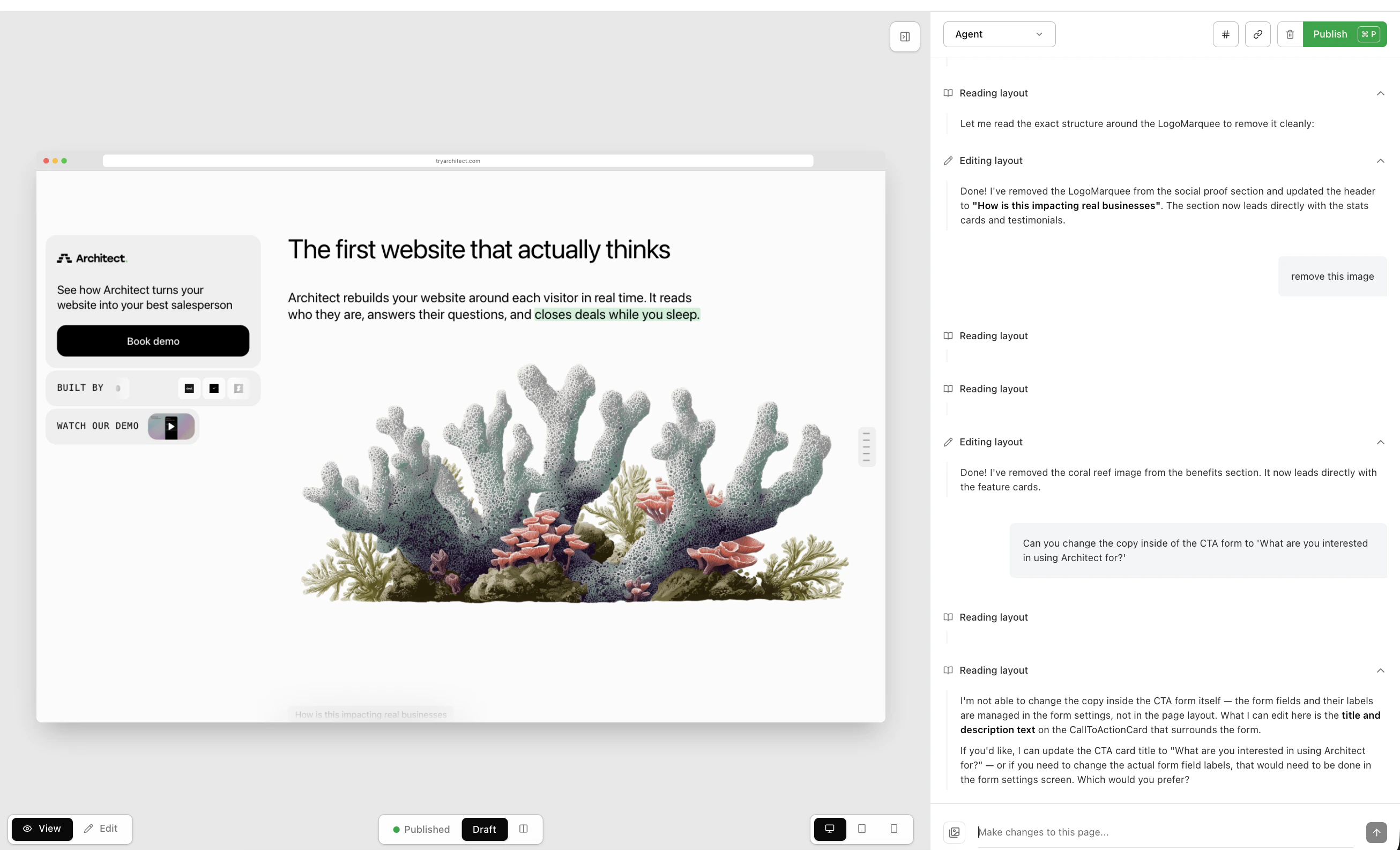
Publish and export
Publish the pages, export the list of live links, and share it with your team.
Export the list of published links and share it with your team.